
Сборки ПК — подбор редакции
Сбалансированные списки: value, топ-производительность, бюджет и creator.

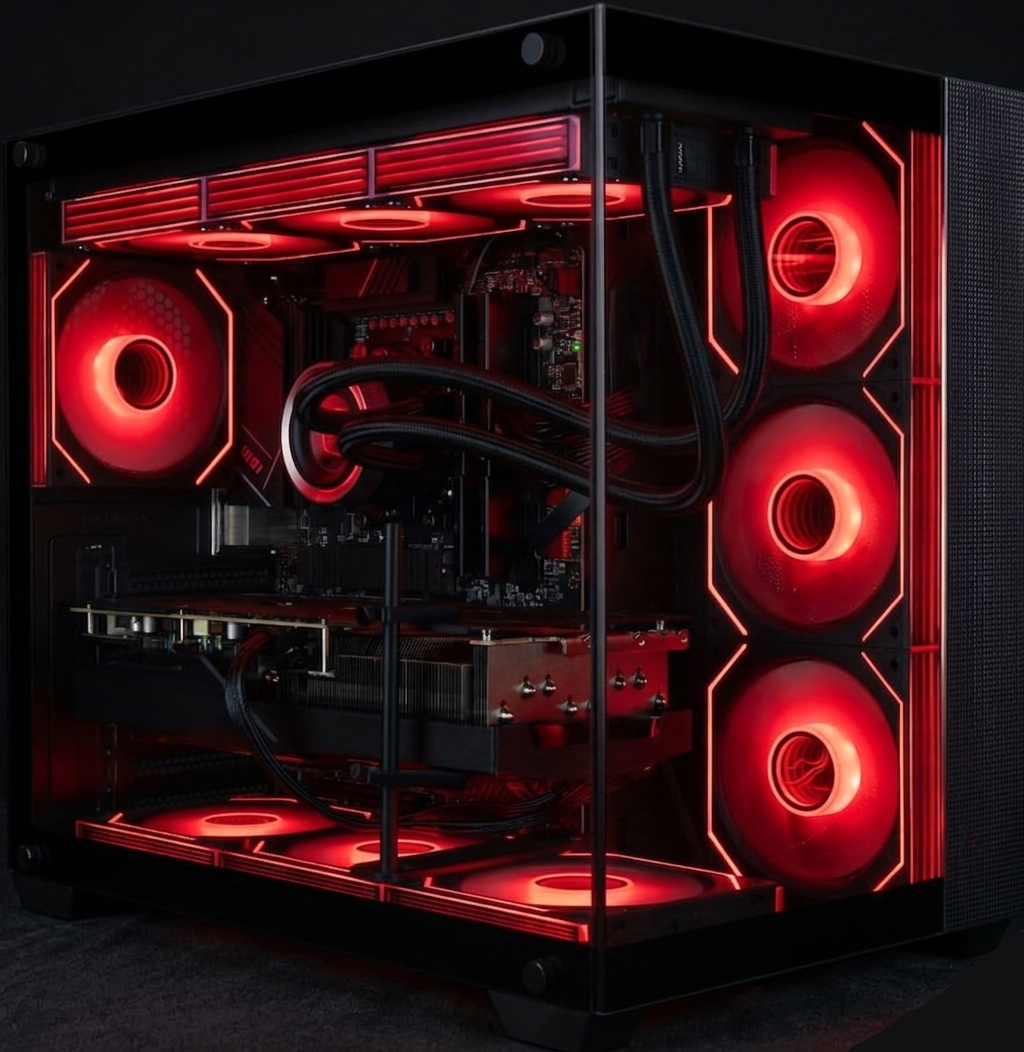
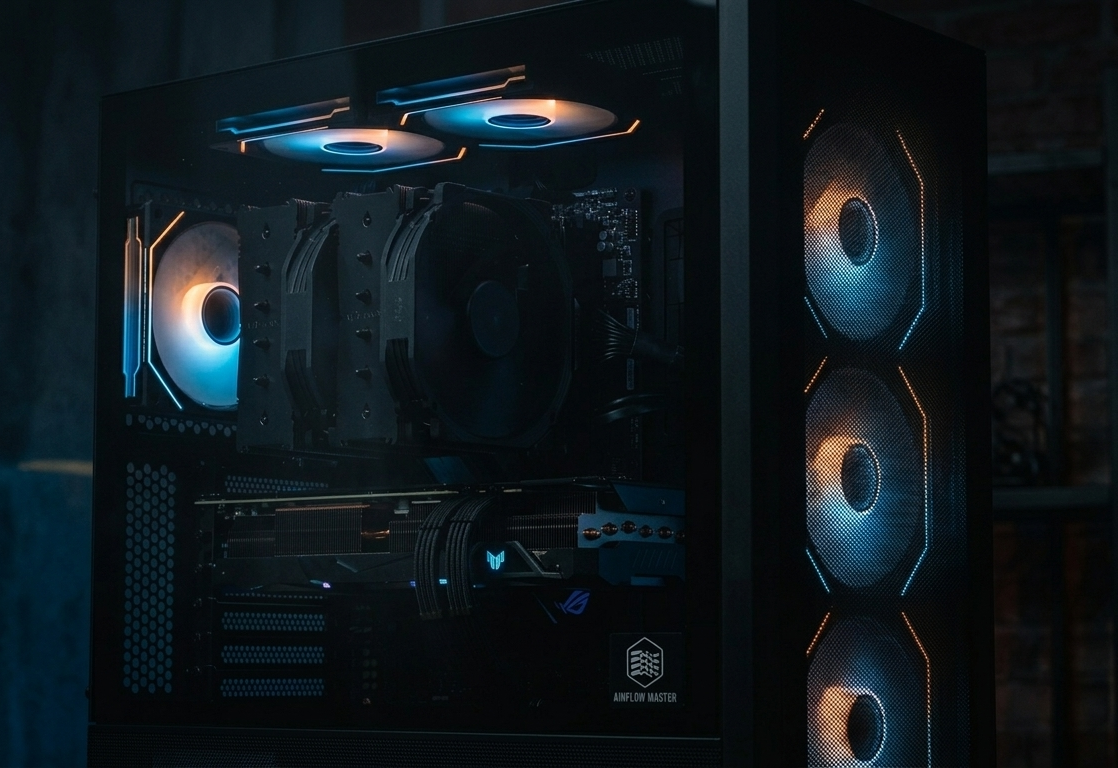
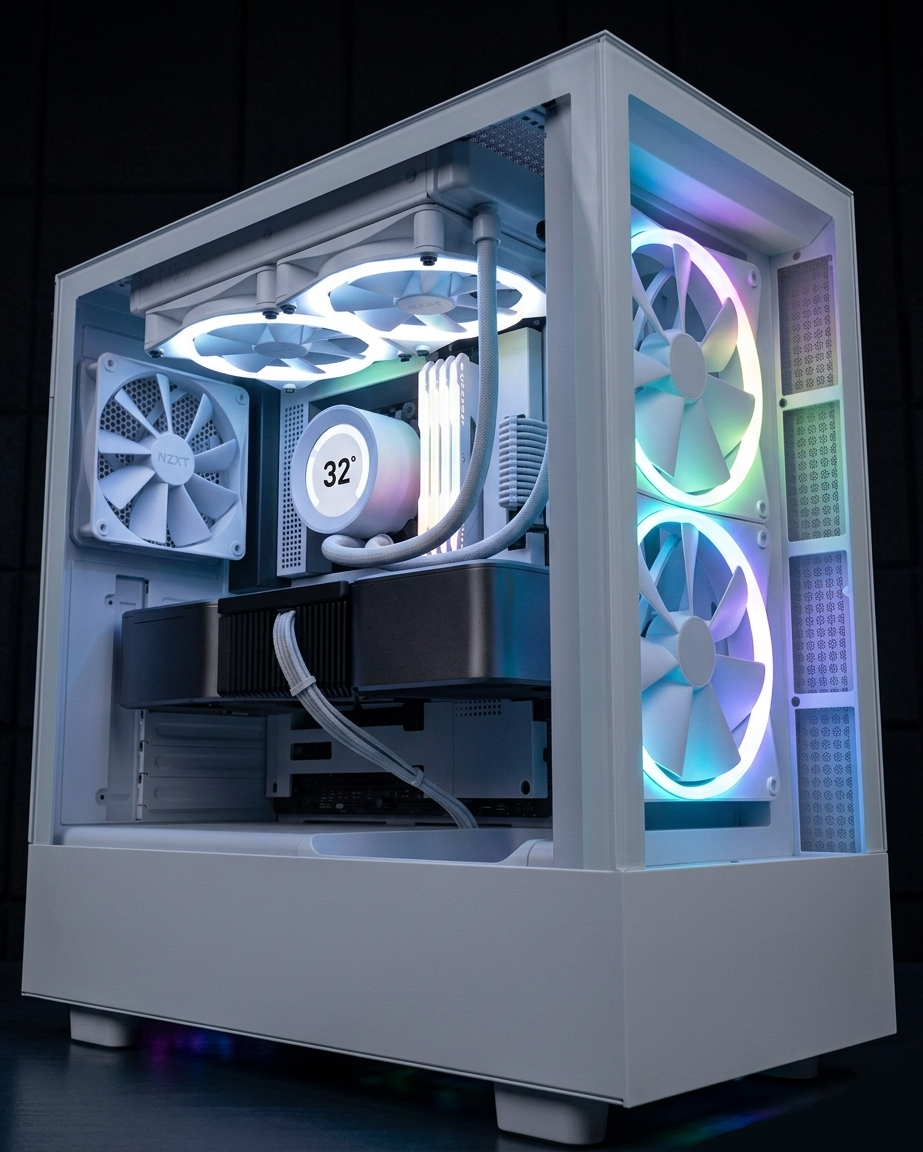
Как выбрать правильную сборку ПК?
A good system is more than a parts list; it is a balanced architecture based on workload, target resolution, and total budget. The first step is to define your usage scenario: competitive gaming, high-visual-quality gaming, content creation, or mixed use. In gaming-focused systems, budget often leans toward the GPU; in creator workflows, CPU core structure, RAM capacity, and storage performance can be just as critical as the GPU.
After selecting a performance tier, validate compatibility and long-term sustainability: motherboard platform lifespan, PSU capacity/quality, cooling headroom, case airflow, and upgrade path. If budget is tight, prioritize thermal stability, PSU quality, and serviceability before cosmetic upgrades. In the long run, the best system is the one that stays quiet, cool, and stable under sustained load.
Плюсы / ограничения отобранных конфигураций
Плюсы: ускоряет покупку, снижает риски совместимости и предотвращает неудачное распределение бюджета.
Ограничения: региональные колебания цен, нестабильность наличия и быстрые циклы железа быстро устаревают рекомендации.
Частые вопросы о сборках ПК
How much PSU headroom should I leave?
Modern systems can show sudden power spikes. Choose a PSU with safe headroom, not only based on theoretical total power draw.
Should I prioritize GPU or CPU?
For gaming-heavy systems, GPU is usually the priority; for content creation and multitasking, CPU + RAM balance is often more decisive.
How often should build recommendations be updated?
Recommendations should be revised on major GPU/CPU launches, meaningful price shifts, and critical driver/BIOS updates.
What does production-ready for daily use mean?
It means stable temperatures under sustained load, a reliable PSU, an up-to-date and stable BIOS, error-free memory behavior, and smooth upgrade compatibility.